Turn your PDF portfolio
into an editable website
Upload your PDF



Choose your style
Edit & launch your website


You upload your PDF portfolio, which we then scan to find your projects. Choose which ones you want to include and we will generate a portfolio website you can edit or add to, in just a few minutes.
The easiest website editor you’ve ever tried
Adjust the design of your website with global palettes and presets, and section templates that get you started. With your new website you won’t have to choose between optimising for file size or image quality. You can showcase the best of your work, without limits.
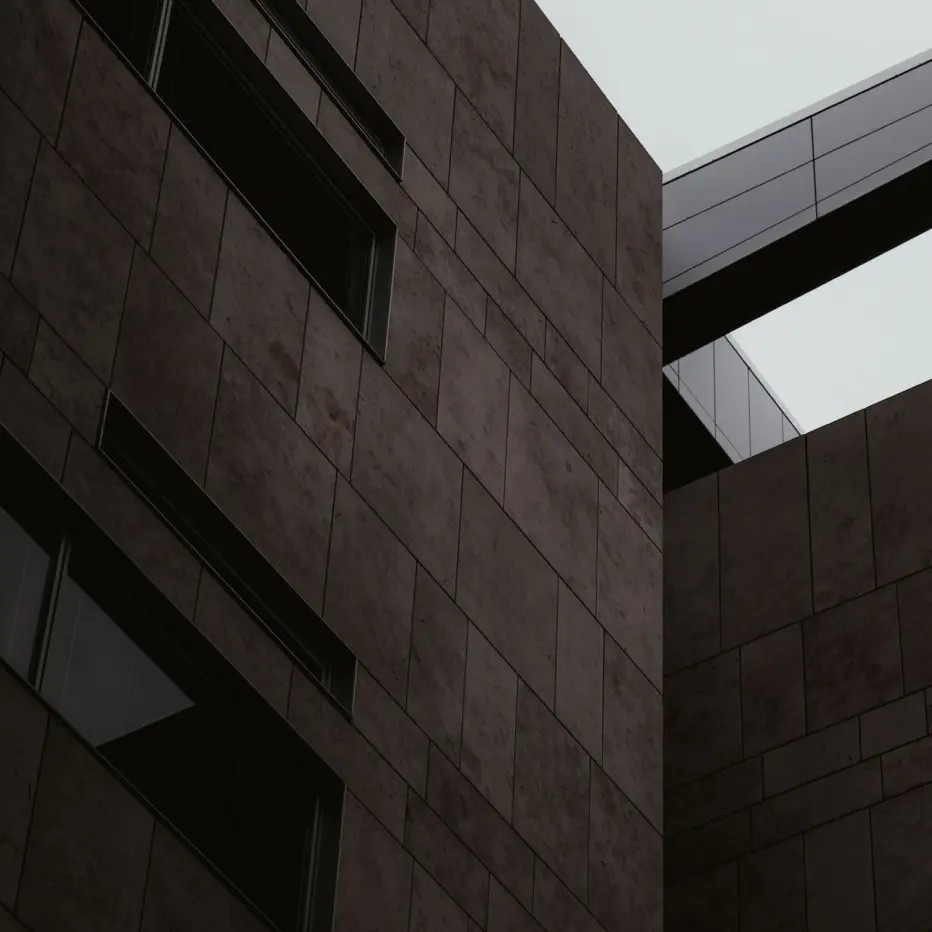
No more pixelated images, despite the small file size
Sora
Work Sans
Dozens of templates and global design presets with options to customize
Customs domains for maximum professionalism
More than 32,581 architecture and interior design portfolios out there, all built with Archifolio
Frequently asked
questions
Yes, it is free to upload your PDF and generate a portfolio website from it.
If you want to publish your architecture portfolio website, reexport it as an updated PDF, or keep editing it after your 7-day free trial is over, you will have to upgrade to Archifolio Premium.
The maximum file size currently is 100MB.
If your PDF is larger than this, reach out to us via email.
We separate the image and text contents of your PDF and group them into architecture case studies using AI for your website.
If you have an about me section and information about your educational background and work history, that will get included in your tagline and introduction sections.
We upload your PDF to our secure, private servers, so its contents can later be accessed for you when editing your website.
Of course you can! Once the website is generated, you can edit the content, hide or delete projects, or even add new ones. You will have the full Archifolio experience, just with a faster setup at the beginning.
The projects and pictures you choose to hide will be available in the website editor later on.
Yes, you can! Just click the “Create your site” button at the top or head to the Archifolio homepage to jump right into creating your architecture portfolio website, without having to upload a PDF first.
It's time to go digital and
showcase your work online.
Whether you’re an interior designer or architect, there’s no excuses not to be online anymore. We know you have been working on your architecture portfolio for a while, polishing it to perfection. But the good news is: you don’t have to let it go at all.
Trying Archifolio is the quickest and easiest way to turn your architecture portfolio PDF into an editable website and create a professional online presence that cannot be ignored.
More than just a PDF converter, Archifolio scans your portfolio from the cover, through the table of contents and project pages, to the smallest specifications you have hidden in there. It finds and separates all the projects from your portfolio book, so you can decide which ones you want to showcase online. Once you reviewed the images to include with each project, you can preview your website with a few different styles, then get to editing the real deal.
The process only takes 5 minutes from start to finish, and you’ll have an architecture portfolio website set up, filled with content from your original portfolio. Your projects, images, and case study details ready for you to review and publish. You can of course edit, remove, or add sections to make sure this online version of your portfolio is just as perfect and unique as the PDF was.
Why turn your architecture portfolio PDF into a website?
- You won’t have to worry about file sizes and attachments anymore
- You can use the highest quality of images to showcase your work
- Updating it is instant, so you can fix typos even after sending it out
- It will be part of your online presence, helping people find you
- With that, it can help you land better job, as you will look more professional
- You can keep it as your master portfolio and re-export different versions as a PDF later
It is completely free to generate a portfolio website from your architecture design portfolio PDF, you will only need Archifolio Premium if you are happy with the result and want to publish it too. There is nothing to lose and it only takes five minutes, so go ahead and give it a try.
Drop to import